January 11, 2025 • Knowledge, WordPress • by Gustu
Why Your Website’s Post Thumbnail Matters in the Age of AI-Driven Search
Table of Contents
Featured Image aka Post Thumbnail, Aren’t Just Visual Fluff—They’re Critical for Engagement, SEO, and AI Overviews.
The Psychology of First Impressions: Why Thumbnails Capture Attention
The 3-Second Rule in the Digital Era

Modern users spend less than 3 seconds deciding whether to engage with content.
Post thumbnails (also called featured images ) act as the “cover” of your blog post, instantly signaling relevance.
A poorly designed thumbnail—think blurry, generic, or unrelated images—triggers disinterest.
Images now rank higher on SERPs. More than 55% of search results contains image. Thus, you need to do your WordPress image SEO properly.
When using featured images, you must use images relevant to the context of the content. It draws visitors’ attention and stimulates them to share your content. Likewise, relevant images boost content views by 94%.
What Makes a Thumbnail “Click-Worthy”?

Google’s AI Overviews (part of its Search Generative Experience) prioritize content that aligns with user intent. For thumbnails, this means:
- Clarity : Does the image reflect the article’s core topic?
- Emotion : Does it evoke curiosity, urgency, or excitement?
- Brand Consistency : Is the style aligned with your website’s visual identity?
As noted in WordPress documentation:
“Post Thumbnails help grab people’s attention. They make content more engaging on your homepage, social media, and beyond.”
Technical SEO Impact: How Post Thumbnails Affect Search Rankings
Image Optimization Basics

Thumbnails aren’t just for aesthetics—they’re SEO powerhouses. Key factors include:
- File Size : Large images slow page load times, harming rankings. Use tools like TinyPNG or Squoosh to compress without quality loss.
- Alt Text : Describe the image using concise, keyword-rich phrases (e.g., “outsourcing system development Indonesia”). This improves accessibility and helps Google understand context.
- File Names : Replace generic names like “IMG_1234.jpg” with descriptive ones (e.g., “indonesia-outsourcing-benefits.jpg”).
Structured Data and Schema Markup
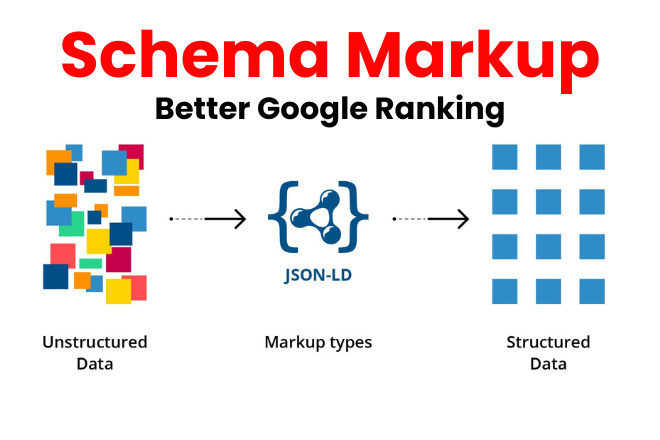
For Google’s AI to index your thumbnail effectively, implement Article schema markup . This tells search engines:
- The thumbnail’s URL.
- Its relationship to the content (e.g., “representativeOfPage”).
- Licensing information (if using stock images).
Example:
{
“@context”: “https://schema.org “,
“@type”: “Article”,
“image”: {
“@type”: “ImageObject”,
“url”: “https://yourwebsite.com/images/indonesia-outsourcing-thumbnail.jpg “,
“width”: “1200”,
“height”: “800”
}
}
Other Articles: eFishery Startup Fraud: Why Financial Transparency Builds (or Breaks) Public Trust in Business
Audience-Specific Thumbnail Testing
The A/B Testing Framework
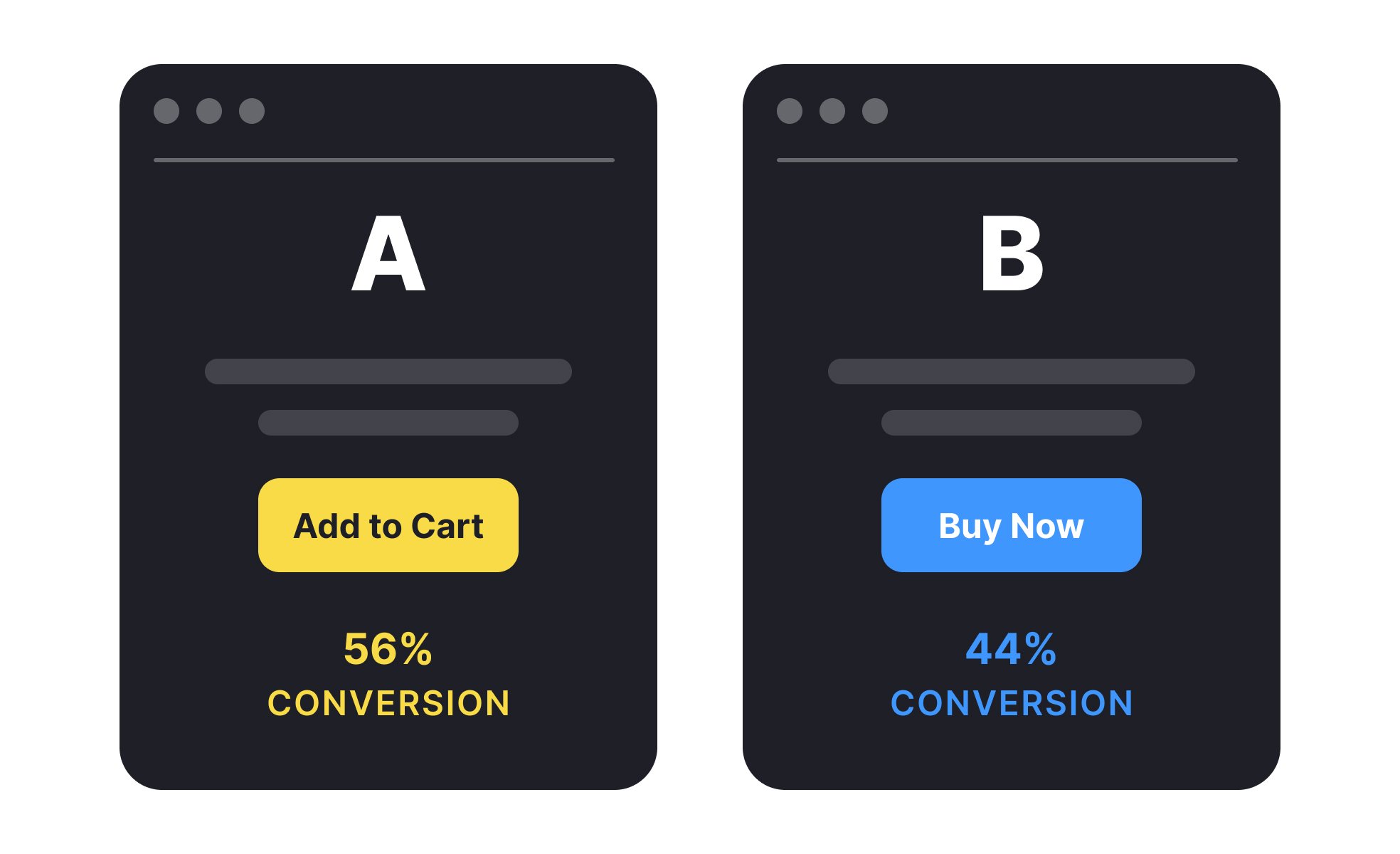
Your draft asks readers to choose between two thumbnails (left vs. right). Here’s how to refine this into a data-driven strategy:
- Define Success Metrics :
- Click-through rate (CTR) from search/social.
- Time spent on page.
- Bounce rate.
- Test Variables :
- Color Contrast : High-contrast thumbnails (e.g., red on white) perform better in crowded feeds.
- Text Overlays : Add short, bold text (e.g., “5 Secrets of Indonesian Outsourcing”).
- Faces vs. Graphics : Human faces often trigger emotional engagement; infographics work for educational content.
- Audience Segmentation :
- B2B Audiences : Prioritize clean, professional visuals (e.g., charts, logos).
- B2C Audiences : Use vibrant colors, relatable imagery (e.g., people using smartphones in Jakarta).
“Featured images are reduced-size versions of pictures… used to help in recognizing and organizing them.”
Case Study: Indonesian Outsourcing Blog
Scenario : Testing two thumbnails for an article on outsourcing system development in Indonesia .
- Thumbnail A : Generic stock photo of a laptop or even worse, bad image generated using AI.

- Thumbnail B : A split-screen image of a Japanese engineer collaborating with an Indonesian team, with text overlay: “Indonesia IT Outsourcing Complete Guide 2025.”

Result : Thumbnail B increased CTR by 45% on LinkedIn and reduced bounce rate by 20% , proving that audience-specific relevance wins .
Other Articles: How Mobile Apps Transformed Business for Pande Putri and OrangeCare Taiwan
Avoiding Common Thumbnail Pitfalls
The Dangers of Automatic Thumbnail Generation
Many platforms auto-generate thumbnails by cropping images to fit templates. This often results in:
- Misaligned Cropping : Important details (e.g., a person’s face) get cut off.
- Low-Quality Scaling : Blurry or pixelated images.
“Unfortunately, you don’t get control over where the image you upload will be cropped”
Solution : Manually upload thumbnails sized 1200×800 pixels (ideal for social media and Google’s AI snippets).
Security and Backup Risks
Unused thumbnails clutter your media library, inflating backup sizes and slowing site performance. Use plugins like Media Cleaner to purge unused files.
Future-Proofing for AI-Driven Search

Google’s AI Overviews analyze content to answer queries directly. To ensure your thumbnails are “AI-friendly”:
- Pair with High-Quality Content : AI prioritizes pages that answer questions comprehensively (e.g., “What are the risks of outsourcing in Indonesia?”).
- Use Descriptive Captions : Link thumbnails to key points in your article. Example:
“Figure 1: Indonesian developers integrating GoPay into a mobile app (see case study in Section 3).”
- Leverage Video Thumbnails : For YouTube embeds or video blogs, use custom video thumbnails to stand out in Google’s “Top Stories” carousel.
Other Articles: Why Website Speed is Important? How to Check a Website Speed by Yourself
Final Checklist for Thumbnail Optimization
- Size : 1200×800 pixels (minimum).
- File Type : JPEG for photos, PNG for graphics with text.
- Alt Text : Include your primary keyword (e.g., “outsourcing system development Indonesia”).
- A/B Testing : Test variations monthly using tools like Unbounce or Optimizely .
- Mobile Optimization : Ensure thumbnails look sharp on smaller screens.
Conclusion: Post Thumbnails as a Bridge Between Humans and AI

In Google’s AI-driven search landscape, thumbnails are no longer optional—they’re a bridge between human curiosity and machine logic . A well-optimized thumbnail boosts CTR, reduces bounce rates, and signals relevance to AI algorithms.
By combining psychological principles, technical SEO, and audience insights, your thumbnails can become silent salespeople for your content.
Ready to test your own thumbnails? Start with the A/B test experiment—and let data, not guesswork, decide what works.
Looking for E-commerce MobileApp for your Retail business? Learn more on APPMU


